

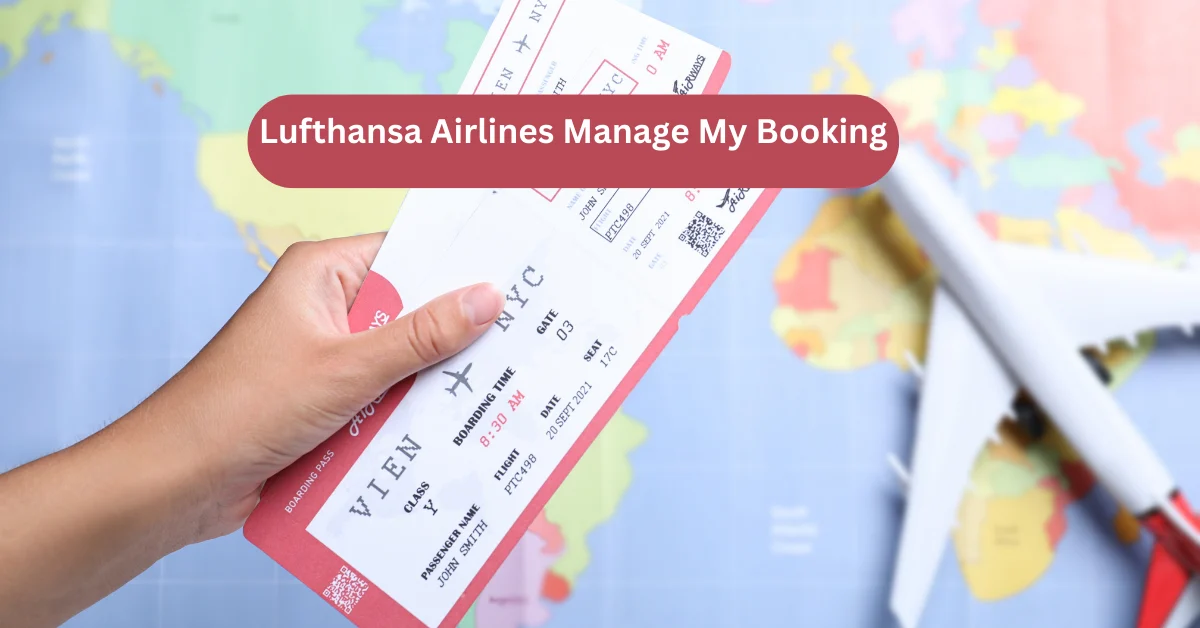
When you're preparing for an international journey, the last thing you want is to be stuck on a customer service hotline listening to elevator music. Thankfully, the Lufthansa Airlines Manage My Booking portal is designed to act as your personal travel assistant, available 24/7. Whether you need to swap your seat for one with more legroom, add an extra suitcase for those souvenirs, or completely overhaul your travel dates, this digital hub is where it all happens.
the interface is cleaner and more intuitive than ever, reflecting the efficiency you’d expect from a premier European carrier. But while the tool is powerful, there are specific "rules of the road" you should know to avoid unnecessary fees or technical headaches.
Getting In: How to Access Your Reservation
Before you can make any updates, you need to "unlock" your booking. You don't necessarily need a full account to do this, though having a Travel ID or Miles & More profile makes the process much faster.
The Guest Access Method
If you booked your flight as a guest or through a third-party site, you can retrieve your details using:
-
Your Booking Code: This is a 6-digit alphanumeric string (e.g.,
L4HZ7Q) found in your confirmation email. -
Last Name: Ensure it is spelled exactly as it appears on your passport and original booking.
The Member Advantage
If you log in via your Travel ID, the portal automatically aggregates every flight associated with your profile. This is especially helpful if you have a multi-city itinerary or several upcoming trips, as you won't have to keep track of multiple confirmation codes.
Seat Selection: Finding Your Perfect Spot
One of the most frequent uses of the Lufthansa Airlines Manage My Booking tool is fine-tuning where you sit. Lufthansa offers a variety of seat categories, and your ability to choose them for free depends on your fare type.
-
Classic Seats: Standard window or aisle options.
-
Preferred Zone Seats: Located at the front of the Economy cabin, allowing you to be among the first to deplane.
-
Extra Legroom: Usually found in emergency exit rows or at the front of cabins.
-
Free Neighbor Seat: A unique Lufthansa feature where you can pay to keep the middle seat next to you empty on certain routes.
Note: If you’re traveling on an "Economy Light" fare, you might have to pay a fee to select a seat in advance. However, once the 23-hour check-in window opens, you can usually pick from the remaining available seats for free.
Changing and Updating Your Flight Reservations
Life rarely stays on schedule. If you need to move your flight, the Lufthansa Airlines Manage My Booking portal allows you to search for alternative dates and times in real-time.
The Fare Difference Factor
Most modern Lufthansa fares (except the most restrictive "Light" versions) allow for rebooking. While a "change fee" might be waived depending on your ticket class (like Flex or Business), you will always be responsible for the fare difference. If your original ticket was $500 and the new flight is $700, the system will prompt you to pay the $200 gap before confirming the change.
The "Non-Changeable" Myth
Even if your ticket says "non-changeable," it’s always worth checking the portal. During periods of heavy weather, strikes, or schedule changes initiated by the airline, Lufthansa often "unlocks" these restrictions, allowing you to move your flight for free.
Manual Edit: The "Save the Day" Moment
I remember being in a tiny café in Rome, realizing I had accidentally booked my return flight for 6:00 AM instead of 6:00 PM. The panic of having to find an airport hotel or pay a fortune for a taxi was real. I opened the Lufthansa Airlines Manage My Booking app on my phone, and within three minutes, I had moved the flight to the evening. There was a small fare difference, but the relief of not having to wake up at 3:00 AM was worth every penny. The best part was that I didn't have to talk to a single person or wait for an email confirmation—my phone just vibrated with the new boarding pass update immediately. It’s those moments when you realize that "managing" a booking isn't just about logistics; it’s about having the power to fix your own mistakes on the fly.
Adding Services: Baggage and Meals
The portal isn't just for big changes; it's for the small details that make a trip comfortable.
Extra Baggage
If you realize your suitcase is going to be over the 23kg limit, use the portal to add an extra bag or increase your weight allowance. Adding baggage through Lufthansa Airlines Manage My Booking is significantly cheaper (often up to 50% less) than paying at the airport counter.
Special Meals
Lufthansa offers a wide range of dietary meals—from gluten-free and vegan to Kosher and Halal. You must request these at least 24 hours before departure. The portal makes this a simple one-click process under the "Service" tab.
Cancellation and Refunds: What to Expect
If you simply can't make the trip, the portal allows you to initiate a cancellation.
-
24-Hour Rule: If you booked directly through Lufthansa, you generally have a 24-hour window to cancel for a full refund, regardless of the fare type.
-
Refundable Fares: If you have a "Flex" ticket, clicking "Cancel" will trigger an automatic refund to your original payment method.
-
Non-Refundable Fares: You can still cancel to save on the "no-show" penalty, and while you might not get the fare back, you can often claim a refund for the unused taxes and fees.
Handling Third-Party Bookings (Expedia, Kayak, etc.)
One important caveat: If you booked your flight through an online travel agency (OTA) or a physical travel agent, the Lufthansa Airlines Manage My Booking tool might be "read-only." You will be able to view your itinerary and select seats, but for major changes or cancellations, the system will likely tell you to "Contact your travel agent." This is because the agent "owns" the financial transaction until you fly.
Final Checklist for Online Management
To ensure a smooth experience, keep these tips in mind:
-
Check the App: The mobile app often has a more stable interface for uploading passport scans than the mobile browser.
-
Sync with Calendar: After updating your booking, use the "Export to Calendar" feature so you don't forget the new flight times.
-
Verify Contact Info: Make sure your mobile number is correct so you receive SMS alerts if your gate changes.









Leave a Reply